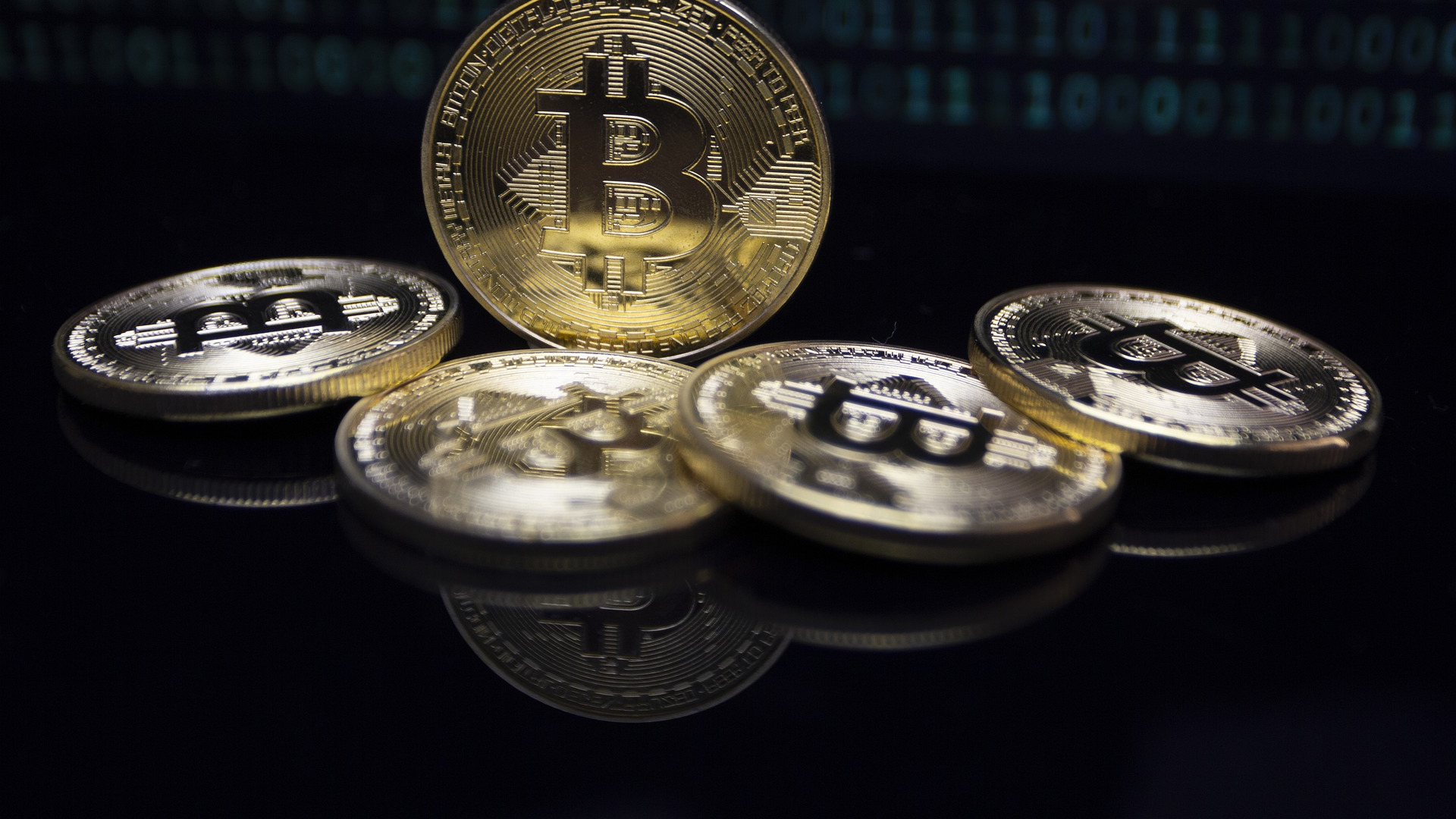
How to Buy Bitcoin: Accounts, Orders and Fees
To buy bitcoin, you open an account on a crypto exchange, verify your identity, deposit money from your bank and place a buy order on a BTC market. You don't need to buy a whole coin; small amounts are fine.
On this page 10
- What are the ways to buy bitcoin?
- 1. Choose a trustworthy platform
- 2. Open an account and verify your identity
- 3. Lock down your account
- 4. Deposit funds from your bank
- 5. Find the BTC market and place an order
- How much bitcoin do you get after fees? A worked example
- 6. Confirm the purchase went through
- 7. Decide where to keep your bitcoin
- Sources and related explanations
The most common way to buy bitcoin is to open an account on a cryptocurrency exchange, verify your identity, deposit money from your bank account and place a buy order on a market such as BTC/USD or BTC/EUR. The first time through, the whole process usually takes a few hours, though identity checks can take longer on some platforms.
You don’t need to buy a whole bitcoin. It divides into eight decimal places, so you can buy $50 or $100 worth. The smallest purchase you can make depends on the exchange’s minimum order size. This guide doesn’t recommend a particular platform; it walks through the steps and the points that trip people up.
What are the ways to buy bitcoin?
- Crypto exchange: deposit fiat and buy from the order book. The most common route, and usually the cheapest.
- Simple “buy” screens and broker apps: one-tap purchases at a quoted price. Convenient, but the spread is usually wider.
- Peer-to-peer (P2P): buy directly from another person. Scam risk is high, so it’s not a good starting point.
- Bitcoin ETFs: in the US and some other markets, you can buy funds that track bitcoin through a regular brokerage account. You own fund shares, not BTC itself.
1. Choose a trustworthy platform
Start by checking that the exchange is registered or licensed with the financial regulator in your country. Then compare trading fees, deposit and withdrawal methods, BTC withdrawal fees, the liquidity of the BTC market you’ll use, and how easy it is to reach support.
2. Open an account and verify your identity
Go to the exchange only through its official website or the official app store listing; search ads can lead to fake sites. Use a strong password you don’t use anywhere else.
Regulated platforms are required to run KYC (know your customer) checks: a photo ID, personal details and often a selfie or liveness check. Enter this information only on the platform’s own screens. Never send documents, passwords or verification codes to a “support agent” who contacts you on social media.
3. Lock down your account
Turn on two-factor authentication before you deposit anything. An authenticator app such as Google Authenticator or a hardware security key is safer than SMS codes. Store your recovery codes somewhere other than where you keep your password. If the exchange offers a withdrawal address allowlist, enable it so crypto can only be sent to addresses you’ve approved in advance.
4. Deposit funds from your bank
Open the deposit section, choose your currency and copy the bank details exactly, including any reference code. Most exchanges require the transfer to come from an account in your own name. Bank transfers can take anywhere from minutes to a couple of business days depending on the payment rail. Card deposits are faster but usually cost more. Never pay anyone an “account activation” or “unlock” fee; that’s a well-known scam.
5. Find the BTC market and place an order
In the spot trading section, open the pair that matches your deposit currency, such as BTC/USD. If you buy on BTC/USDT, you’re spending USDT, not dollars, which means an extra conversion and fee. If you see leverage, long/short or liquidation, you’re on a derivatives screen and don’t need it to buy bitcoin.
There are two basic order types:
- Market order: buys immediately from the best available sell offers. Fast, but on larger orders you may fill across several price levels and pay a slightly higher average than the last price shown.
- Limit order: you set the maximum price you’ll pay. If the market doesn’t reach it, the order waits or fills partially. An open order doesn’t mean you’ve bought anything yet.
How much bitcoin do you get after fees? A worked example
Using hypothetical numbers: bitcoin at $100,000, a $500 purchase and a 0.2% fee taken from the BTC you receive.
- Gross purchase: 500 ÷ 100,000 = 0.005 BTC
- Fee: 0.005 × 0.002 = 0.00001 BTC
- Credited to you: 0.005 − 0.00001 = 0.00499 BTC
If the fee is charged from your cash balance instead, you’ll need an extra $1. Read the “total,” “fee” and “you receive” lines on the confirmation screen together. On “zero commission” screens the cost is usually built into the price, so the real comparison is how much BTC lands in your account for the same amount of money. The fee for withdrawing to a personal wallet later is separate.
6. Confirm the purchase went through
Your trade history shows the BTC amount filled, the average price and the fee charged. Trades inside an exchange aren’t recorded on the blockchain; the exchange simply updates its internal ledger. An on-chain transaction only appears when you withdraw bitcoin from the platform.
7. Decide where to keep your bitcoin
If you leave bitcoin on the exchange, the exchange controls the keys. That’s convenient, but your access depends on the company staying solvent and online. Moving it to a personal crypto wallet puts you in control, and makes protecting the recovery phrase your job. Hardware wallets are a common choice for larger, long-term holdings, because the private keys stay on a device that never connects directly to the internet.
When withdrawing, copy the address from your wallet’s own “Receive” screen and select the Bitcoin network. Sending a small test amount first is the easiest way to confirm the address and network are right. Our Bitcoin transfer guide covers this step in detail.
Sources and related explanations
Read next
Related news
Topic archive ↗
Bitcoin’s Drop Takes a Bigger Toll: 201,000 Investors Liquidated
Strategy’s Bitcoin-Buying Dilemma: Why Did $193 Million Go to Stock Buybacks?
Bitcoin Falls Below $80,000 as Altcoins See Bigger Losses
Did Bitcoin Whales Slow Down as Prices Fell? 110,000 BTC Sets a Yearly Record
Bitcoin and Altcoins: Market Overview (October 24, 2026)